Unlocking Hyper-Speed: Advanced MySQL Indexing for Enterprise WordPress Plugin Custom Tables with Millions of Records
In the vast landscape of web development, WordPress stands as a dominant force, powering millions of websites worldwide. While its versatility is undeniable, scaling WordPress for enterprise-level applications, especially when dealing with custom plugins managing millions of data records, presents a unique set of challenges. The default WordPress database structure, optimized for general blog posts and pages, often falls short when confronted with bespoke data models and high-volume transactions. This is where custom database tables and advanced MySQL indexing strategies become indispensable tools for achieving unparalleled performance.
This article dives deep into the intricate world of MySQL indexing, specifically tailored for WordPress enterprise plugins that rely on custom database tables to handle massive datasets. We'll explore why standard approaches are insufficient, how to design robust custom tables, and most importantly, unleash the power of advanced indexing techniques to ensure your plugin remains lightning-fast, even when processing millions of records.
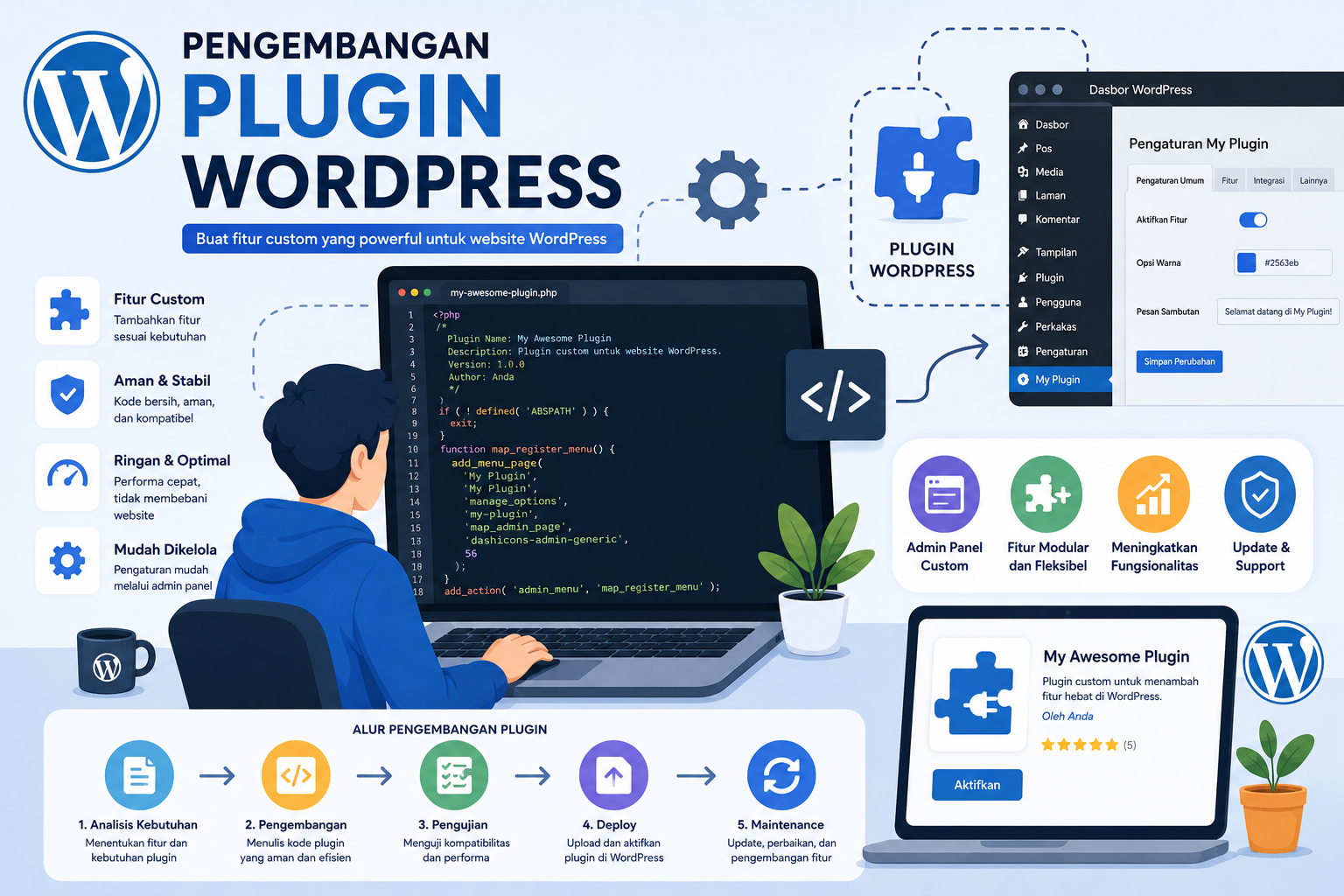
The Challenge of Scaling WordPress with Custom Data
WordPress's core strength lies in its flexibility. Developers often extend its capabilities through plugins, many of which require storing data beyond what the standard wp_posts or wp_options tables can efficiently manage. For enterprise applications—think e-commerce platforms with millions of orders, analytics dashboards tracking billions of events, or complex SaaS solutions built on WordPress—custom tables become a necessity. They offer schema flexibility, better data integrity, and clearer separation of concerns.
However, simply creating custom tables is not enough. As data grows into the millions or even billions of rows, unoptimized queries against these tables can bring your application to a grinding halt. Even a seemingly simple SELECT statement can take seconds or even minutes without proper optimization, leading to a poor user experience and potential system timeouts. The key to mitigating this performance bottleneck lies almost entirely in a well-thought-out database design coupled with strategic indexing.
Understanding Custom Database Tables in WordPress
Custom database tables in WordPress allow developers to store application-specific data in a structured manner, independent of the core WordPress tables. This approach offers several benefits:
- Performance: By separating data, queries become more targeted, reducing the load on the main WordPress tables.
- Flexibility: You have complete control over the schema, allowing you to optimize data types and relationships specifically for your application's needs.
- Data Integrity: Enforcing foreign key constraints (though not natively supported by WordPress's
dbDelta, can be added manually) and proper data types ensures data consistency. - Scalability: Custom tables can be optimized for specific access patterns, making it easier to scale horizontally or vertically.
Designing Efficient Custom Tables
The foundation of a high-performance custom table begins with its design. Consider the following:
- Normalization vs. Denormalization: While normalization (reducing data redundancy) is a good starting point, for read-heavy enterprise applications, strategic denormalization can significantly improve query performance by reducing joins.
- Data Types: Choose the most appropriate and smallest data type for each column (e.g.,
INTinstead ofBIGINTif the range allows,VARCHAR(255)instead ofTEXTfor short strings). - Primary Keys: Every table should have a primary key, preferably an auto-incrementing integer (
BIGINTfor very large tables), as it's inherently indexed and provides a fast lookup mechanism.
The Unsung Hero: Advanced Indexing Strategies for Performance
Indexes are special lookup tables that the database search engine can use to speed up data retrieval. Think of them like the index at the back of a book; instead of reading the entire book to find a topic, you go directly to the index to find the page numbers. Without indexes, MySQL would have to perform a full table scan, checking every single row for a match—a process that becomes prohibitively slow with millions of records.
B-Tree Indexes: The Foundation
Most common indexes in MySQL are B-Tree indexes. They are efficient for matching ranges of values, exact matches, and sorting. They work well for columns used in WHERE clauses, JOIN conditions, and ORDER BY clauses. Understanding how B-Trees work is fundamental to effective indexing.
Composite Indexes: Beyond the Basics
While single-column indexes are useful, many queries involve multiple columns in their WHERE or ORDER BY clauses. This is where composite indexes (also known as multi-column indexes) shine. A composite index is created on two or more columns of a table. For example, an index on (user_id, order_date) can significantly speed up queries looking for orders by a specific user within a date range.
The order of columns in a composite index is crucial. MySQL uses the "left-most prefix" rule. An index on (A, B, C) can be used for queries involving (A), (A, B), or (A, B, C), but not for (B, C) alone. Therefore, place the most frequently used or highest cardinality column first in your composite index.
Covering Indexes: Eliminating Lookups
A covering index is an index that includes all the columns required by a query, meaning MySQL can retrieve all the necessary data directly from the index itself without having to access the main data rows. This completely eliminates the need for a "table lookup," which is often the slowest part of a query. For instance, if you frequently query SELECT name, email FROM users WHERE status = 'active', an index on (status, name, email) would be a covering index. This technique can provide dramatic performance improvements for read-heavy operations.
Full-Text Indexes: When to Use Them
While less about "performance" in the raw sense of data retrieval speed and more about search relevancy, full-text indexes are specialized indexes for performing keyword searches within large blocks of text. If your custom tables contain extensive textual data that users need to search, a full-text index on those columns can offer much faster and more sophisticated search capabilities than simple LIKE %keyword% queries.
Invisible Indexes (MySQL 8.0+): For Testing Without Impact
MySQL 8.0 introduced invisible indexes, a powerful feature for index management. An invisible index is an index that is not used by the optimizer but is still maintained by the database. This allows developers to test the impact of dropping an index without actually removing it. If performance degrades, the index can easily be made visible again. Conversely, new indexes can be made invisible, tested, and then made visible once their benefit is confirmed, minimizing disruption.
Implementing Indexes in WordPress Custom Tables
When creating or modifying custom tables in a WordPress plugin, you typically use WordPress's dbDelta function. While dbDelta can create primary keys and unique indexes, for more advanced composite or covering indexes, you might need to execute direct SQL statements. For example:
ALTER TABLE your_prefix_custom_data ADD INDEX idx_user_status_date (user_id, status, created_at);
This SQL command adds a composite index named idx_user_status_date on the user_id, status, and created_at columns of your custom table.
Tools and Techniques for Index Analysis
Effective indexing isn't a one-time task; it requires continuous monitoring and analysis. Here are some essential tools:
EXPLAINStatement: This is your best friend. PrependEXPLAINto any SQL query to see how MySQL executes it. It will show if indexes are being used, what type of join is performed, and how many rows are examined.SHOW INDEXES FROM your_table;: This command lists all indexes on a specific table, helping you verify existing indexes.- Slow Query Log: Configure MySQL to log queries that take longer than a specified threshold. Analyzing this log is crucial for identifying performance bottlenecks.
For a deeper dive into optimizing MySQL indexes specifically for enterprise WordPress plugins, consider exploring resources like Mastering MySQL Index Optimization for Enterprise WordPress Plugins: A Deep Dive into High-Performance Database Management. This can provide further insights into high-performance database management practices.
Common Pitfalls and Best Practices
Even with advanced knowledge, several pitfalls can hinder your indexing efforts:
- Over-indexing: While indexes speed up reads, they slow down writes (
INSERT,UPDATE,DELETE) because the index itself must also be updated. Too many indexes can make write operations sluggish. Aim for a balance. - Under-indexing: The more common problem, leading to full table scans. If a column is frequently used in
WHEREclauses orJOINconditions, it's a strong candidate for an index. - Lack of Maintenance: Indexes can become fragmented over time, especially with frequent data modifications. Regular optimization (e.g.,
OPTIMIZE TABLE) can help, though modern InnoDB engines are less prone to this than older MyISAM tables. - Not Testing: Always test the performance impact of new or modified indexes on a staging environment before deploying to production. Use real-world data and query patterns.
Beyond Indexing: A Holistic View for Enterprise Scalability
While advanced indexing is paramount, it's part of a larger strategy for enterprise WordPress scalability. Other techniques complement indexing to deliver truly hyper-speed performance:
- Object Caching: Caching frequently accessed data in memory reduces database load.
- Materialized Views: Pre-calculating and storing complex query results for faster retrieval.
- Asynchronous Processing: Offloading resource-intensive tasks to background processes, preventing them from blocking user requests.
- Database Sharding/Partitioning: Distributing data across multiple databases or tables to manage immense datasets and improve parallel processing.
For those looking to expand their knowledge on enterprise-level WordPress optimization, exploring topics such as Optimasi Plugin WordPress Enterprise dengan MySQL: Teknik Lanjutan untuk Skala Jutaan Data can offer a comprehensive perspective on scaling techniques beyond just indexing, encompassing various aspects of high-performance database management for massive data volumes.
Conclusion
Developing enterprise-grade WordPress plugins that seamlessly handle millions of data records demands a sophisticated approach to database management. While custom tables provide the necessary structural flexibility, it's the intelligent application of advanced MySQL indexing strategies—including composite, covering, and even invisible indexes—that truly unlocks their performance potential. By carefully designing your tables, understanding how different index types work, and continuously monitoring query performance, you can transform a sluggish application into a hyper-responsive powerhouse. Remember, a robust, scalable WordPress enterprise plugin isn't just about elegant code; it's equally about the underlying database's efficiency and optimization.