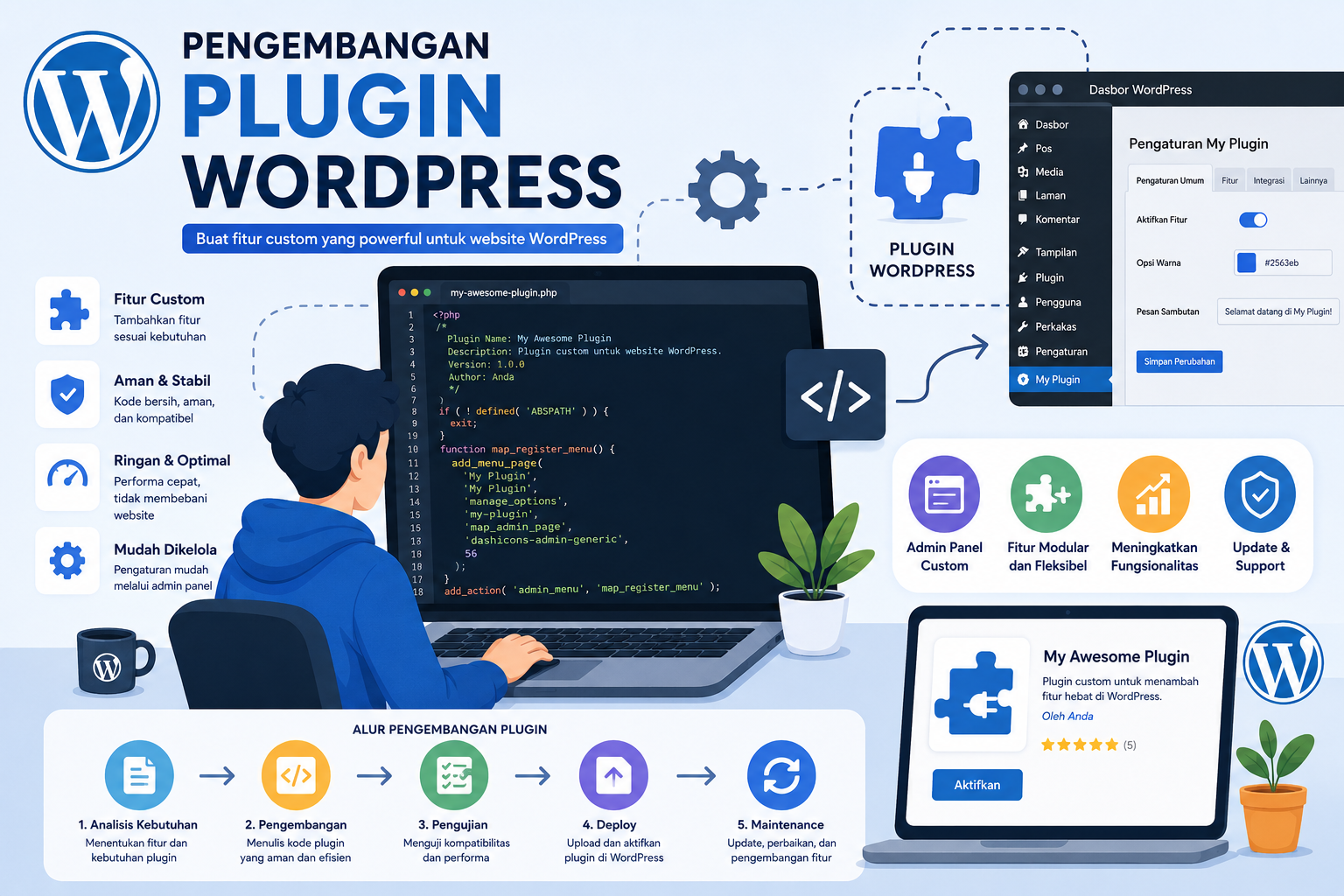
Mastering MySQL Index Optimization for Enterprise WordPress Plugins: A Deep Dive into High-Performance Database Management
Introduction to Database Optimization in Enterprise WordPress Plugins
In the realm of enterprise WordPress plugin development, handling large-scale data efficiently is critical. With websites often managing millions of user records, transaction logs, or real-time analytics, MySQL database optimization becomes a cornerstone of performance. This article explores advanced strategies for optimizing MySQL indexing and query execution in WordPress plugins, ensuring scalability and speed for businesses managing high-traffic platforms.
The Role of Indexing in MySQL Performance
Indexing is the backbone of efficient data retrieval in relational databases like MySQL. For WordPress plugins handling enterprise-level data (e.g., e-commerce, SaaS applications), poorly designed indexes can lead to slow query responses, server overload, and poor user experiences. Let’s break down key indexing strategies:
- Composite Indexes: Combine multiple columns (e.g.,
user_id+transaction_date) to accelerate complex queries. For example, a plugin tracking user activity logs can use composite indexes to filter by user and time ranges efficiently. - Full-Text Indexes: Ideal for searching unstructured data like product descriptions or user comments. However, avoid overusing them on high-traffic tables to prevent index bloat.
- Partitioning: Split large tables into smaller, manageable segments based on a range (e.g., daily or monthly partitions). This reduces the data scan size during queries and improves maintenance tasks like backups.
For a deeper dive into custom table design and indexing, refer to this guide on structuring MySQL tables for enterprise WordPress plugins.
Advanced Query Optimization Techniques
Even with optimized indexes, inefficient SQL queries can undermine performance. Here’s how to refine query execution:
Avoiding Common Pitfalls
- SELECT * Queries: Specify only required columns to reduce data transfer overhead.
- N+1 Query Problem: Use JOINs instead of executing multiple single-row queries for related data. For instance, fetching user roles via a JOIN is more efficient than querying each user separately.
- Query Caching: Implement WordPress object caching (e.g.,
WP_Object_Cache) to store frequently accessed results in memory. This is particularly useful for read-heavy applications.
Leveraging Explain Plans
Use the EXPLAIN command to analyze query execution paths. For example:
EXPLAIN SELECT * FROM wp_user_logs WHERE user_id = 123 AND log_date > '2023-01-01';
This reveals whether the query is using indexes effectively or performing full table scans. Tools like pt-query-digest can further identify slow queries for optimization.
When to Transition to NoSQL: A Strategic Shift
While MySQL excels in structured data scenarios, NoSQL databases like MongoDB offer scalability for unstructured or semi-structured data. Consider transitioning if:
- Data growth is exponential, and traditional indexing becomes unwieldy.
- Real-time analytics require horizontal scaling (e.g., using sharding).
- Flexibility in schema design is necessary (e.g., handling JSON-like documents).
For a case study on integrating MongoDB with WordPress plugins, see this article on NoSQL-driven enterprise solutions.
Best Practices for Enterprise WordPress Plugin Developers
To ensure your MySQL-optimized plugin remains future-proof, adopt these practices:
- Regular Index Maintenance: Use tools like
OPTIMIZE TABLEto rebuild fragmented indexes andSHOW INDEXto audit unused indexes. - Asynchronous Data Processing: Offload resource-intensive tasks (e.g., bulk imports) to background workers using
wp_cronor external queues like RabbitMQ. - Monitoring & Analytics: Integrate performance monitoring plugins (e.g., Query Monitor) to track slow queries and identify bottlenecks in real time.
Conclusion: Balancing MySQL Power with Scalability
Enterprise WordPress plugins demand a nuanced approach to database management. By mastering MySQL indexing, refining query logic, and knowing when to adopt NoSQL solutions, developers can build systems that handle millions of records without compromising speed. Whether you’re optimizing for a SaaS platform or a high-traffic e-commerce site, the strategies outlined here will empower you to deliver robust, scalable applications.