Unleashing WordPress Hyper-Performance: Mastering Advanced MySQL Indexing for Custom Post Types and Meta Data
In the vast digital landscape, WordPress stands as a formidable content management system, powering millions of websites worldwide. From simple blogs to complex e-commerce platforms and intricate membership sites, its versatility is unmatched. However, as WordPress installations scale up, incorporating numerous custom post types (CPTs) and extensive custom meta data, a common bottleneck emerges: database performance. A slow database translates directly into sluggish page loads, frustrated users, and ultimately, lower search engine rankings. This article dives deep into the realm of advanced MySQL indexing, specifically tailored to unlock hyper-performance for WordPress sites heavily reliant on custom post types and their associated meta information.
For site administrators, developers, and SEO specialists, understanding how to optimize the underlying MySQL database is not just an advantage—it's a necessity. We'll explore the critical role of indexing, dissect common performance challenges in WordPress's architecture, and equip you with the knowledge to implement sophisticated indexing strategies that can dramatically accelerate your site.
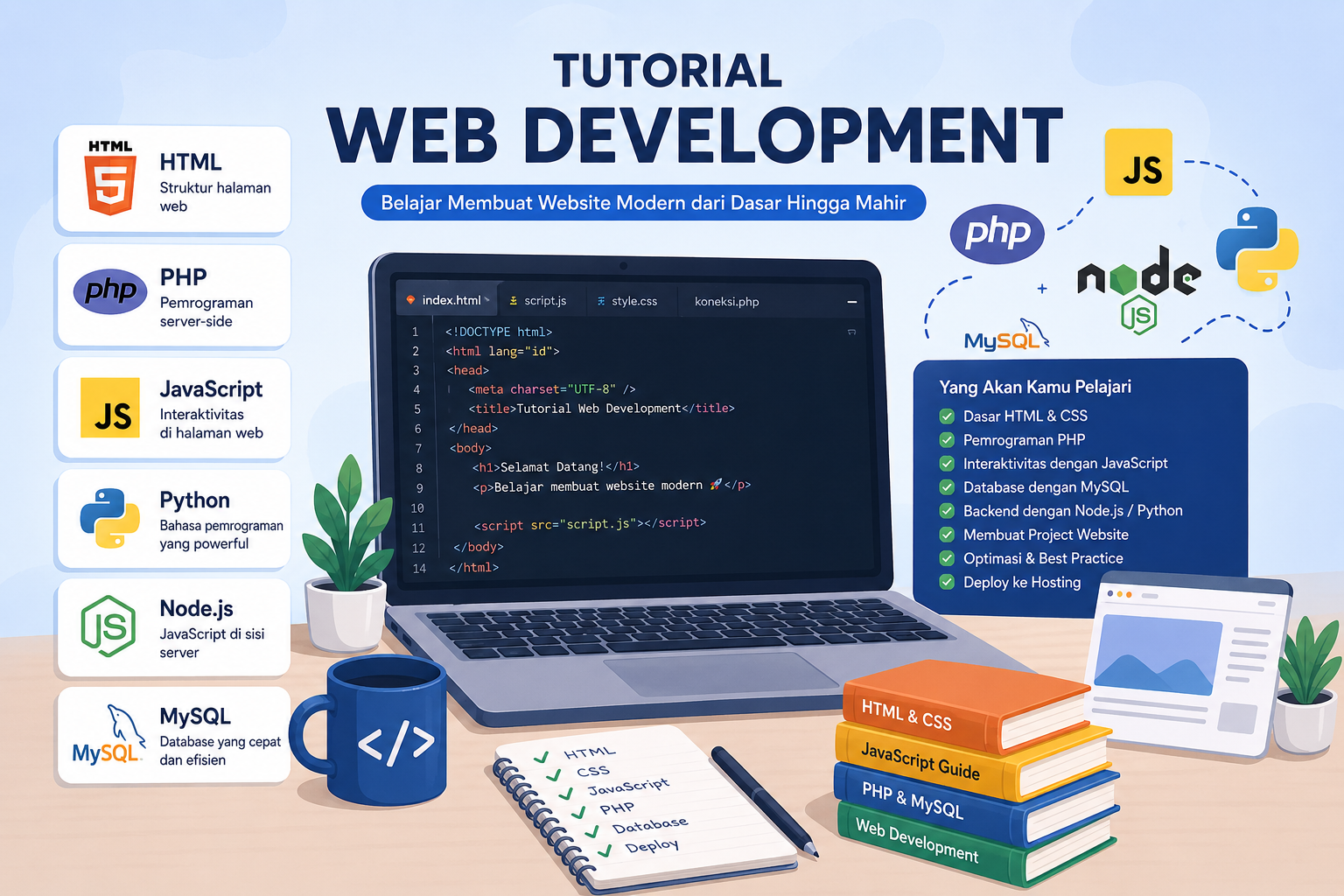
The WordPress Database Challenge: When Default Isn't Enough
At its core, WordPress relies on a MySQL database to store virtually all of its content, settings, and user data. The primary tables include wp_posts for posts, pages, and custom post types; wp_postmeta for custom fields associated with posts; wp_users, wp_usermeta, and so on. While WordPress ships with a set of default indexes that work well for basic installations, they often fall short when dealing with:
- Large-scale content: Thousands or millions of posts, CPT entries, and comments.
- Complex queries: Filtering CPTs by multiple custom field values, date ranges, or taxonomy terms.
- Frequent updates: E-commerce sites with constantly changing product inventories.
- High traffic: Concurrent users hitting the database with demanding queries.
The standard WordPress database schema, particularly the relationship between wp_posts and wp_postmeta, is designed for flexibility. However, this flexibility can come at the cost of performance, especially for queries that need to join these tables extensively or filter on non-indexed columns. This is where advanced indexing strategies become paramount.
Understanding MySQL Indexing Fundamentals
Before diving into specific WordPress optimizations, it's essential to grasp what MySQL indexes are and how they function. Think of a database index like the index at the back of a book. Instead of scanning every page to find a specific topic, you can quickly look up the topic in the index, which points you directly to the relevant pages. In MySQL, an index is a special lookup table that the database search engine can use to speed up data retrieval. It's essentially a sorted list of values from one or more columns in a table, with pointers to the corresponding rows.
The Crucial Role of Indexes in Query Optimization
Indexes significantly improve the performance of SELECT queries by allowing MySQL to locate rows much faster. Without an index, MySQL would have to perform a full table scan, checking every single row against the query's conditions. This is acceptable for small tables but becomes prohibitively slow for large tables with millions of rows. Indexes are most effective on columns used in WHERE clauses, JOIN conditions, ORDER BY clauses, and GROUP BY clauses.
Types of Indexes
- Primary Key: A special index that uniquely identifies each row in a table. Every table should have one.
- Unique Index: Ensures that all values in the indexed column(s) are unique.
- Standard (Non-Unique) Index: Allows duplicate values and is used for general query optimization.
- Composite (Compound) Index: An index on multiple columns, useful for queries that filter or sort by combinations of fields. The order of columns in a composite index is crucial.
- Full-Text Index: Designed for efficient text search within large blocks of text, often used for post content.
Deep Dive into wp_posts Optimization
The wp_posts table is arguably the most critical table in a WordPress database. It stores all types of posts, including standard posts, pages, attachments, revisions, and crucially, your custom post types. Default WordPress installations come with indexes on ID (primary key), post_name, post_parent, and a composite index on post_type, post_status, post_date, and ID. While these are a good start, they often aren't sufficient for complex CPT queries.
Optimizing Common Query Patterns
Consider a query that fetches a custom post type 'product' that is published and ordered by title. The default index on (post_type, post_status, post_date, ID) might not be ideal for ordering by post_title. Adding a specific index or modifying existing ones could be beneficial.
- Indexing
post_typeandpost_status: Many queries begin by filtering posts based on their type and status (e.g.,post_type = 'product' AND post_status = 'publish'). The existing indextype_status_dateis good, but if you frequently query by type and status without date, a simpler(post_type, post_status)index might sometimes offer marginal gains or serve as a covering index for specific query patterns. - Indexing for Ordering: If you frequently order CPTs by
post_title, adding an index onpost_title(or a composite index like(post_type, post_status, post_title)) can dramatically speed up these sorts. - Full-Text Indexing for Content Search: For websites that heavily rely on searching within post content, a Full-Text Index on the
post_contentcolumn can transform search performance, moving away from slowLIKE %keyword%queries. For specific guidance on optimizing largewp_poststables, you might find this detailed guide on accelerating wp_posts queries particularly useful.
Mastering wp_postmeta for Custom Fields
The wp_postmeta table uses an Entity-Attribute-Value (EAV) model, which is highly flexible but notoriously difficult to optimize. Each custom field is stored as a separate row, with meta_key identifying the field name and meta_value storing its content. Queries involving custom fields often require joining wp_posts with wp_postmeta, potentially multiple times, leading to significant performance degradation.
Indexing meta_key and meta_value
By default, wp_postmeta typically has an index on meta_key and post_id. However, this is often insufficient.
- Index on
meta_key: Essential for quickly finding rows belonging to a specific custom field (e.g.,meta_key = 'product_price'). - Index on
(post_id, meta_key): A composite index is highly beneficial for queries that fetch all meta data for a specific post. - Composite Index on
(meta_key, meta_value): This is a game-changer for queries that filter posts based on a specific custom field's value (e.g.,meta_key = 'product_color' AND meta_value = 'red'). The order is crucial:meta_keyfirst, as you almost always know the key you're filtering by.
Addressing Performance Issues with Multiple JOIN Operations
When filtering CPTs by multiple custom fields, WordPress generates queries with multiple JOIN statements on wp_postmeta. For example, finding products that are 'red' AND 'in_stock'. Each join can drastically slow down the query. While indexing (meta_key, meta_value) helps, reducing the number of joins or optimizing their execution is key.
- Consider Denormalization (Cautiously): For highly critical and frequently queried custom fields, you might consider copying their values directly into a dedicated column in the
wp_poststable (or a custom table for your CPT). This eliminates the need for joins but introduces data redundancy and requires careful management to keep data synchronized. - Object Caching: Implementing robust object caching (e.g., Redis or Memcached) can cache complex query results or individual post meta values, reducing the database load.
Optimizing Custom Post Type-Specific Queries
Beyond general wp_posts and wp_postmeta optimization, consider the specific access patterns of your custom post types. For example:
- E-commerce Products: If you have a 'product' CPT, queries might frequently involve filtering by price range, stock status, product category (taxonomy), or featured status.
- Real Estate Listings: A 'property' CPT might require filters by number of bedrooms, location (geo-data), price, or property type.
For such specific CPTs, analyze the most common queries and create tailored indexes. For instance, if you often search for properties by 'number_of_bedrooms' (a meta field) and 'city' (a taxonomy), you might need a composite index on wp_postmeta.meta_key and wp_postmeta.meta_value for bedrooms, and ensure your taxonomy tables are also well-indexed.
Advanced Techniques & Tools for Analysis
Implementing indexes isn't a "set it and forget it" task. You need to analyze your database's behavior and continuously refine your strategy.
Using the EXPLAIN Statement
The MySQL EXPLAIN statement is an indispensable tool for understanding how MySQL executes your queries. Prefixing any SELECT query with EXPLAIN will show you the execution plan, including which indexes are being used (or not used), the order of table joins, and the number of rows examined. Look for:
type: ALL: Indicates a full table scan, a major performance bottleneck.Extra: Using filesortorUsing temporary: These often signal inefficient sorting or grouping operations that could benefit from better indexing.rows: The number of rows MySQL estimates it has to examine. Lower is better.
Analyzing the Slow Query Log
MySQL's slow query log records queries that exceed a specified execution time. This log is a treasure trove of information, highlighting the exact queries that are causing performance issues. Regularly reviewing this log helps you identify targets for indexing or query rewriting.
Database Schema Review
Periodically review your database schema. Are there any custom tables that could be better indexed? Are you storing data in wp_options that should perhaps be in wp_postmeta or a dedicated table? A well-designed schema forms the foundation of a high-performance database.
Best Practices for Long-Term Performance
Optimizing MySQL for WordPress is an ongoing process. Here are some best practices to maintain hyper-performance:
- Regular Database Maintenance: Periodically optimize and repair your tables. Tools like phpMyAdmin or WP-CLI offer commands for this.
- Test Index Changes: Always test index additions or modifications on a staging environment first. Incorrect indexing can sometimes hurt performance rather than help, especially for write operations.
- Monitor Performance: Use monitoring tools (e.g., New Relic, WP Engine's performance tools, or custom solutions) to track database query times, CPU usage, and overall site speed.
- Balance Read/Write Performance: While indexes significantly speed up reads (
SELECT), they can slightly slow down writes (INSERT,UPDATE,DELETE) because the index itself must also be updated. Find the right balance for your application's workload. - Educate Your Team: Ensure developers are aware of indexing best practices and how their custom queries might impact database performance.
Conclusion
Achieving hyper-performance for large-scale WordPress sites, especially those leveraging custom post types and extensive meta data, is not an insurmountable challenge. It requires a deep understanding of MySQL indexing, a proactive approach to query analysis, and continuous optimization. By strategically applying advanced indexing techniques to your wp_posts and wp_postmeta tables, and by utilizing powerful tools like EXPLAIN and the slow query log, you can transform your WordPress site from sluggish to lightning-fast. This commitment to database excellence will not only enhance user experience but also solidify your site's position on the first page of search engine results, driving traffic and engagement.