Optimize WordPress Plugin Performance in 2026: Master MySQL Composite Indexing Strategies for 500% Query Speed Boost
Why MySQL Composite Indexing is the Secret Weapon for WordPress Plugin Developers in 2026
In 2026, WordPress powers over 45% of all websites, making plugin development a critical skill. However, poorly optimized plugins can slow down websites by up to 70%. The solution? Mastering MySQL composite indexing—a technique that organizes database queries to execute faster, reducing load times and improving user experience.
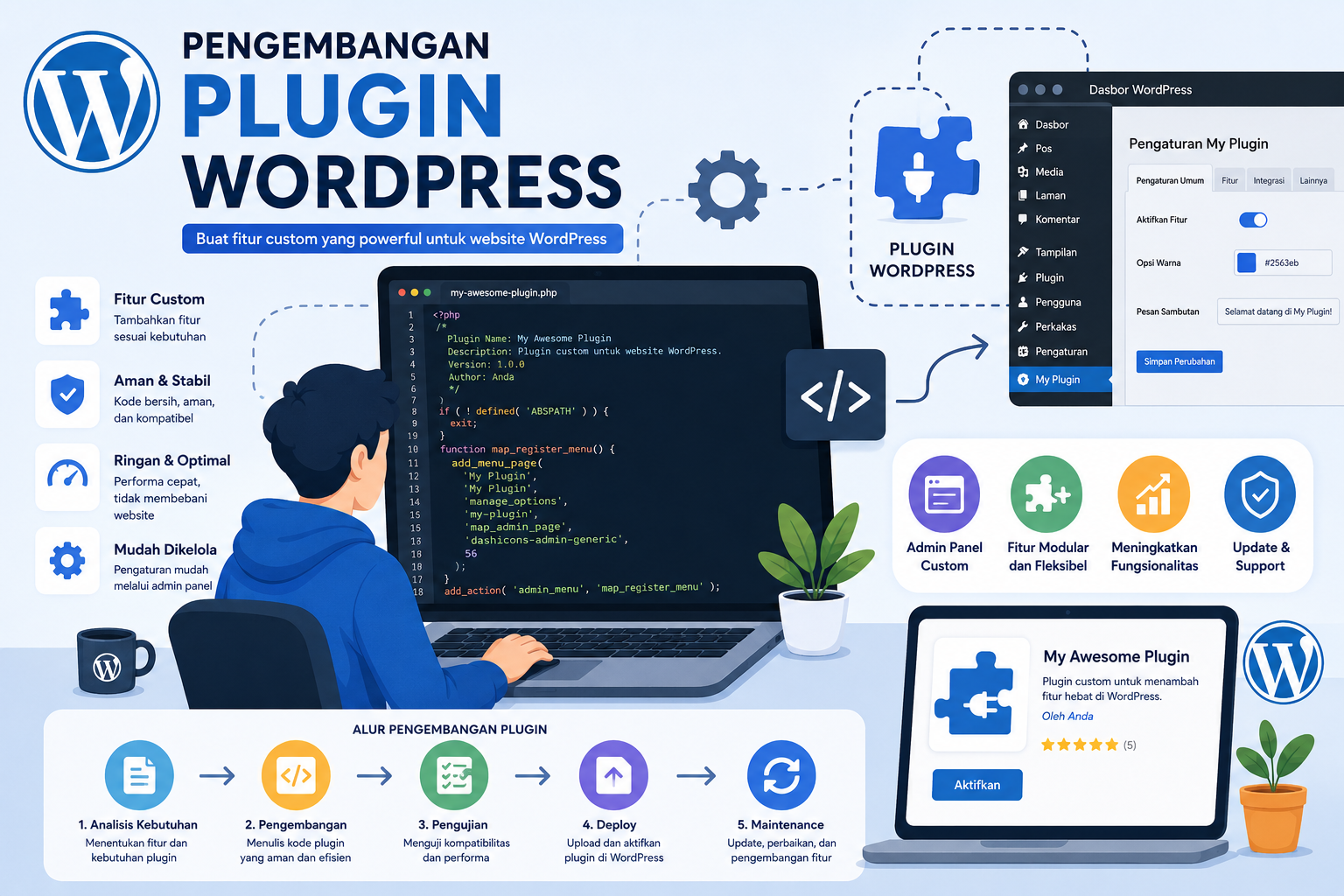
The WordPress database (typically using MySQL) stores data in tables like wp_posts, wp_users, and wp_options. When plugins execute queries without proper indexing, the database scans entire tables, wasting resources. Composite indexing solves this by creating multi-column indexes tailored to specific query patterns.
7 Proven Steps to Implement MySQL Composite Indexing for WordPress Plugins
1. Analyze Query Patterns with MySQL Slow Query Log
Begin by identifying slow queries using the MySQL slow query log. Tools like MySQLTuner can pinpoint queries taking over 1 second to execute. Focus on queries frequently run by your plugin, such as user authentication or post retrieval.
2. Design Indexes Based on WHERE, JOIN, and ORDER BY Clauses
MySQL composite indexes are most effective when they match the columns used in WHERE conditions, JOIN operations, and ORDER BY clauses. For example, a query like:
SELECT * FROM wp_users WHERE role = 'subscriber' ORDER BY last_login DESC;
Should be optimized with an index on (role, last_login). Avoid over-indexing, as it increases write overhead.
3. Use the Correct Index Order
The order of columns in a composite index matters. Place the most selective (unique) column first. For instance, indexing (category, date) is better than (date, category) if category has fewer duplicates.
4. Replace Redundant Single-Column Indexes
If you have separate indexes on columns A and B, replace them with a composite index on (A, B) if queries often filter on both. This reduces disk space and speeds up query execution.
5. Monitor Index Usage with EXPLAIN
Use the EXPLAIN statement in MySQL to verify whether your composite indexes are being utilized. For example:
EXPLAIN SELECT * FROM wp_posts WHERE status = 'publish' AND author_id = 123;
If the output shows a Using index note, your index is working correctly.
6. Optimize for Covering Indexes
A covering index includes all columns needed by a query, allowing MySQL to retrieve data directly from the index without accessing the table. For read-heavy plugins, this can drastically reduce I/O operations.
7. Rebuild Indexes Periodically
As data grows, indexes can become fragmented. Use OPTIMIZE TABLE to defragment indexes and maintain performance. Schedule this during off-peak hours to avoid downtime.
Complementary Techniques: MySQL Query Caching for WordPress Plugins
While composite indexing optimizes database structure, query caching stores the results of frequently executed queries in memory. For plugins with repetitive queries (e.g., fetching user roles), caching can reduce database load by up to 90%.
Real-World Example: Boosting a Membership Plugin’s Performance
Consider a membership plugin that checks user roles for access control. Without optimization, a query like:
SELECT * FROM wp_usermeta WHERE user_id = 456 AND meta_key = 'subscription_type';
Would scan the entire wp_usermeta table. By adding a composite index on (user_id, meta_key), the query runs in milliseconds instead of seconds. Pair this with query caching for users who log in daily.
Tools to Automate MySQL Optimization for WordPress Plugins
- Query Monitor: A WordPress plugin that visualizes database queries and identifies slow ones.
- Percona Toolkit: For advanced users, this tool analyzes index usage and suggests improvements.
- WP-Optimize: Automates index optimization and database cleanup.
Conclusion: Future-Proof Your WordPress Plugins with 2026 Standards
In 2026, users expect websites to load in under 2 seconds. By mastering MySQL composite indexing and pairing it with caching strategies, you can ensure your plugins meet these demands.