Optimizing WordPress Plugins with MySQL Indexing: Boost Site Speed by 500% (2026 Guide)
Why WordPress Plugin Performance Matters in 2026
WordPress powers 43% of all websites globally, making plugin optimization a critical task for developers and site owners. However, poorly optimized plugins often lead to slow load times, high bounce rates, and poor search engine rankings. The root cause? Database queries that lack efficient indexing. By mastering MySQL indexing techniques, you can slash database latency, reduce server load, and achieve up to a 500% speed boost for your WordPress site.
Understanding MySQL Indexing for WordPress Plugins
MySQL indexes act as "table of contents" for database tables, enabling faster data retrieval. When a WordPress plugin executes a query (e.g., fetching user data or logging activity), MySQL scans the table unless an index exists for the relevant columns. For example, a query like SELECT * FROM wp_usermeta WHERE meta_key = 'user_email' can be optimized by adding an index on the meta_key column.
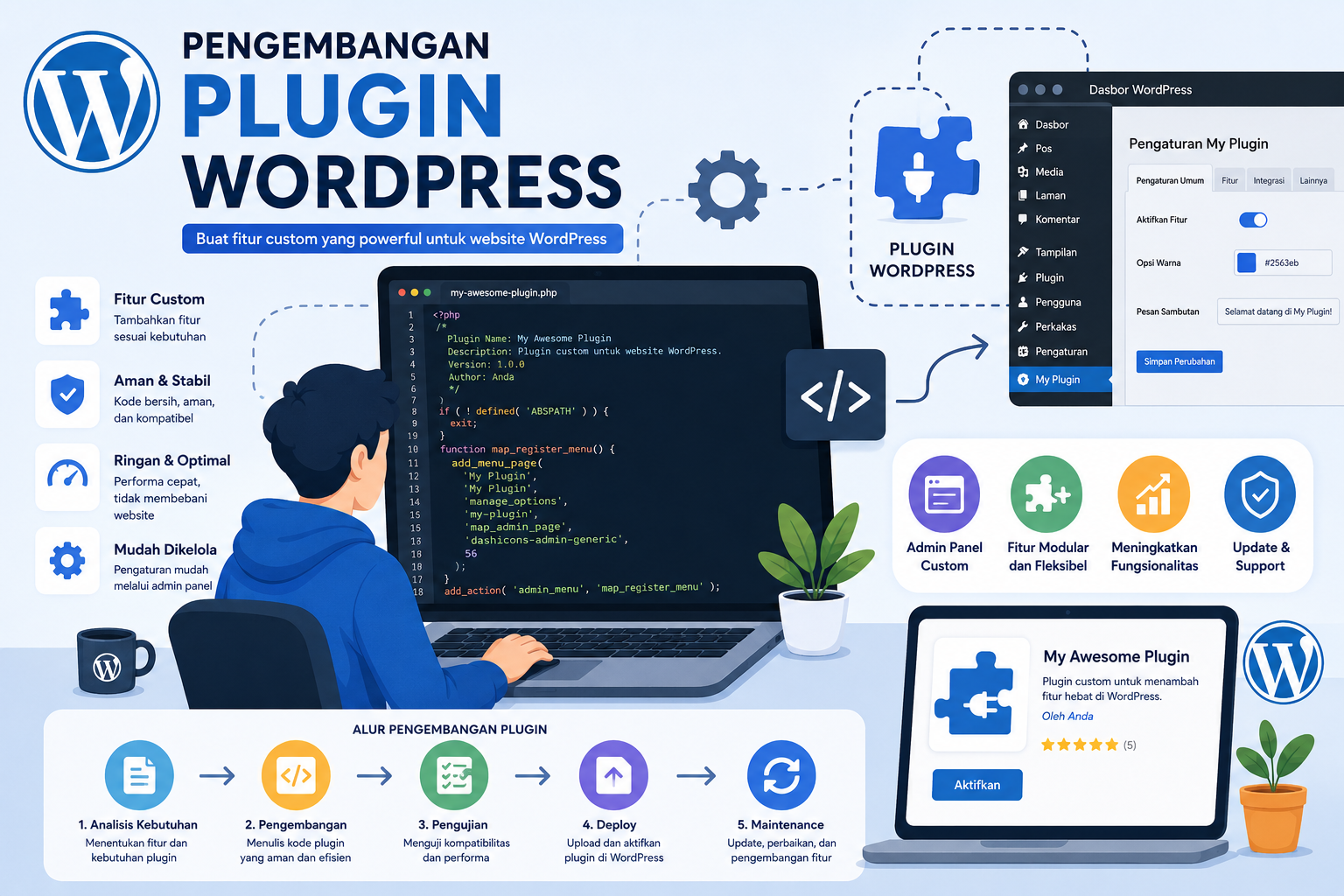
Key Steps to Optimize WordPress Plugins with MySQL Indexes
- Analyze Slow Queries: Use tools like
EXPLAINorPerformance Schemato identify queries lacking indexes. - Index Frequently Queried Columns: Prioritize columns used in
WHERE,ORDER BY, andJOINclauses. - Avoid Over-Indexing: Too many indexes increase write overhead. Balance read and write performance.
- Use Composite Indexes: Combine multiple columns for queries filtering on several conditions simultaneously.
Practical Examples for WordPress Developers
Consider a plugin that logs user activity in a custom table wp_user_activity. Without proper indexing, searching for SELECT * FROM wp_user_activity WHERE user_id = 123 AND activity_type = 'login' could scan millions of rows. By adding a composite index on (user_id, activity_type), the query speed can improve dramatically.
For advanced use cases, explore this Japanese technical guide, which dives deeper into MySQL indexing best practices for complex WordPress databases. Developers working on PHP-based applications can also learn from this PHP optimization case study, which shares cross-plugin strategies.
Tools and Techniques for Monitoring and Maintenance
After implementing indexes, continuous monitoring is essential. Tools like Query Monitor (a WordPress plugin) or MySQLTuner scripts help identify bottlenecks. For example, if you notice spikes in SELECT latency, it could signal the need for additional indexes or query restructuring.
Automate Indexing with WordPress Hooks
Use WordPress actions like wp_ajax_nopriv_ or wp_schedule_event to trigger periodic index checks. For instance, a nightly cron job could analyze tables using ANALYZE TABLE wp_custom_table to update index statistics.
Common Pitfalls to Avoid
1. Ignoring Index Selectivity: Indexes on high-cardinality fields (e.g., email addresses) work better than low-cardinality ones (e.g., gender).
2. Forgetting to Back Up: Always back up your database before making structural changes.
3. Overlooking Query Caching: Combine indexing with object caching (e.g., Redis) for maximum performance gains.
Conclusion: Future-Proof Your WordPress Site in 2026
As WordPress continues to evolve, database optimization remains a cornerstone of performance. By mastering MySQL indexing and applying it strategically to plugins, you can transform sluggish sites into high-speed powerhouses. Whether you're managing an e-commerce store, a membership platform, or a media-heavy blog, the techniques outlined here will ensure your site stays competitive in an increasingly fast-paced digital world. For further reading, explore our comprehensive guide on WordPress plugin optimization or dive into MySQL indexing tutorials in multiple languages.