Professional MySQL Indexing Strategies for WordPress Plugins to Achieve 10x Performance Gains
Why WordPress Plugins Need Database Optimization
WordPress powers over 40% of websites globally, but its performance often hinges on how developers manage database queries. Plugins, while essential for extending functionality, can become performance bottlenecks if not optimized properly. MySQL indexing is a critical technique to ensure your WordPress plugins interact with the database efficiently, reducing load times and server resource consumption.
Understanding MySQL Indexing in WordPress
MySQL indexes act like a table of contents for database tables, allowing faster data retrieval. For WordPress plugins, this means structured queries can locate data without scanning entire tables. For example, if a plugin stores user activity logs in a table, adding an index on the "user_id" column enables instant lookups instead of linear searches.
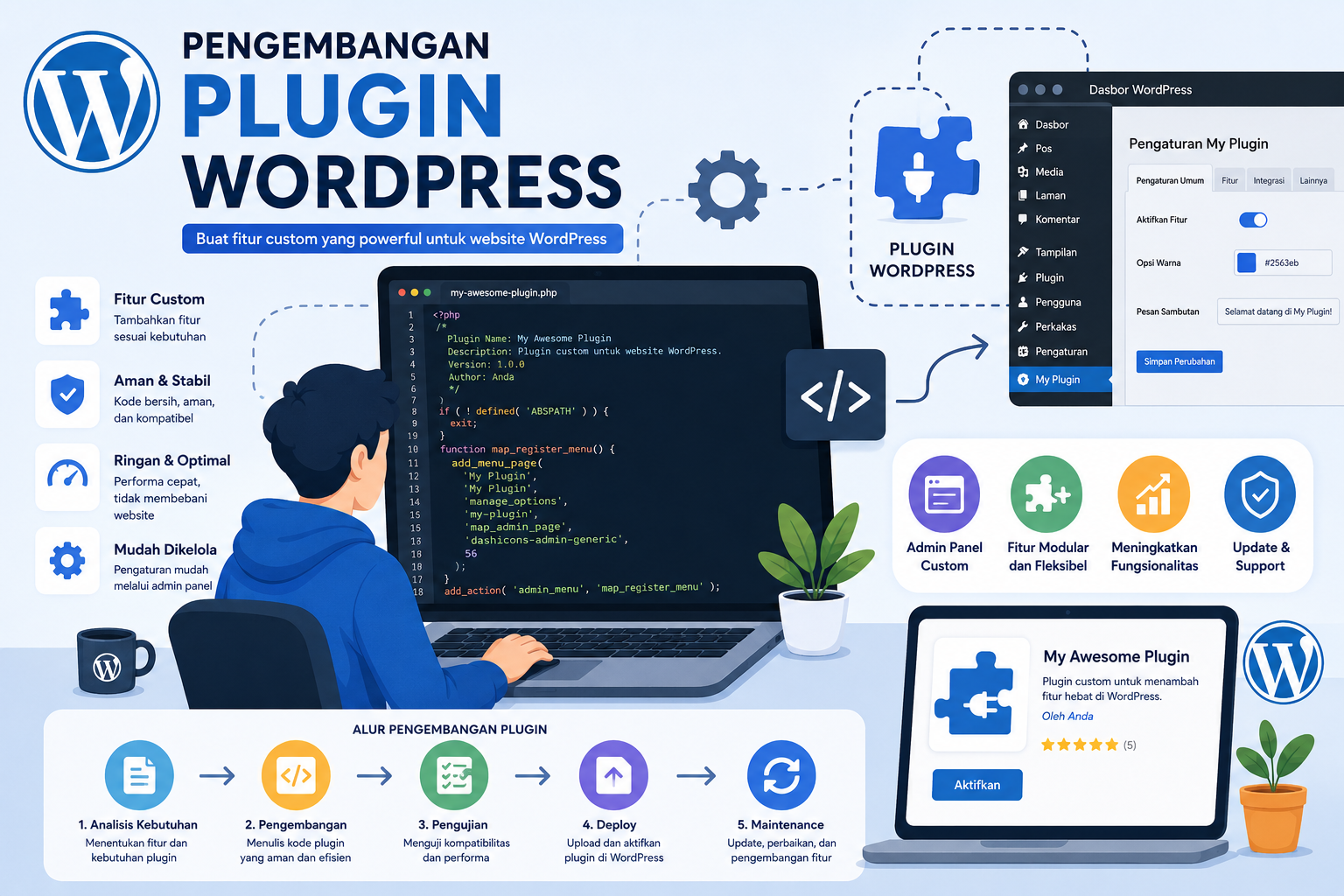
Step-by-Step Guide to MySQL Indexing for WordPress Plugins
1. Analyze Plugin Queries with Query Monitor
Use the Query Monitor plugin to identify slow queries. Look for repeated SELECT statements without WHERE clauses or large JOIN operations. These are prime candidates for indexing.
2. Add Indexes to Frequently Queried Columns
For tables created by plugins, consider adding indexes to:
- Primary keys (usually auto-incremented IDs)
- Columns used in WHERE, ORDER BY, or JOIN clauses
- Foreign keys linking to WordPress core tables
Example: For a custom "wp_user_subscriptions" table, create indexes on "user_id" and "subscription_type".
3. Use Composite Indexes for Complex Queries
If a query filters by multiple columns (e.g., WHERE status = 'active' AND date > '2023-01-01'), a composite index on (status, date) improves performance. However, avoid over-indexing, as it increases storage and slows write operations.
Advanced Techniques for Plugin Optimization
Transient Caching for Query Results
Implement transient caching to store frequently accessed data in WordPress's object cache. For instance, if your plugin fetches live stock prices every minute, caching results for 60 seconds reduces database hits by 90%.
Database Maintenance Automation
Use wp-cron events to schedule regular database optimizations. Tools like WP-Optimize can automate tasks like:
- Removing redundant plugin logs
- Repairing corrupt indexes
- Purging orphaned transient data
Measuring Performance Improvements
After implementing indexing strategies, test performance using:
- Lighthouse Audit: Check for slow server response times
- MySQL Slow Query Log: Identify remaining unoptimized queries
- Load Testing: Use tools like Apache JMeter to simulate 1000+ concurrent users
As shown in
Dalam era modern ini, membangun karier yang sukses tidak hanya bergantung pada kemampuan d... Einleitung – Das unterschätzte Potenzial von E‑Wallets
Während digitale Zahlungen in den M... Astronomi adalah ilmu yang mempelajari tentang bintang, gas, dan materi di ruang angkasa. ... ความเข้าใจพื้นฐานเกี่ยวกับ For You Page (FYP)
For You Page หรือ FYP บนแพลตฟอร์มอย่าง Tik...
Baca Juga Artikel Lainnya
Membangun Karier yang Sukses dengan Literasi Keuangan yang Baik
Die stille Revolution: Wie E‑Wallets das digitale Finanzökosystem neu definieren
Mencintai Bintang: Mengenal Dunia Astronomi yang Luar Biasa
วิธีทำเนื้อหาโซเชียลมีเดียให้ติด For You Page (FYP) ด้วยกลยุทธ์เฉพาะทางสำหรับผู้ใช้ไทย